
Employees
Employees
Employees are your team members. You can create employees from Employees > Employees menu from sidebar. Employee can create departments, designations, shift, assets, leaves etc.. according to their assigned permissions.
Here the fields are divided into 5 sections to create a new employee:
1. Basic Info - Some fields are given below in which some are required:
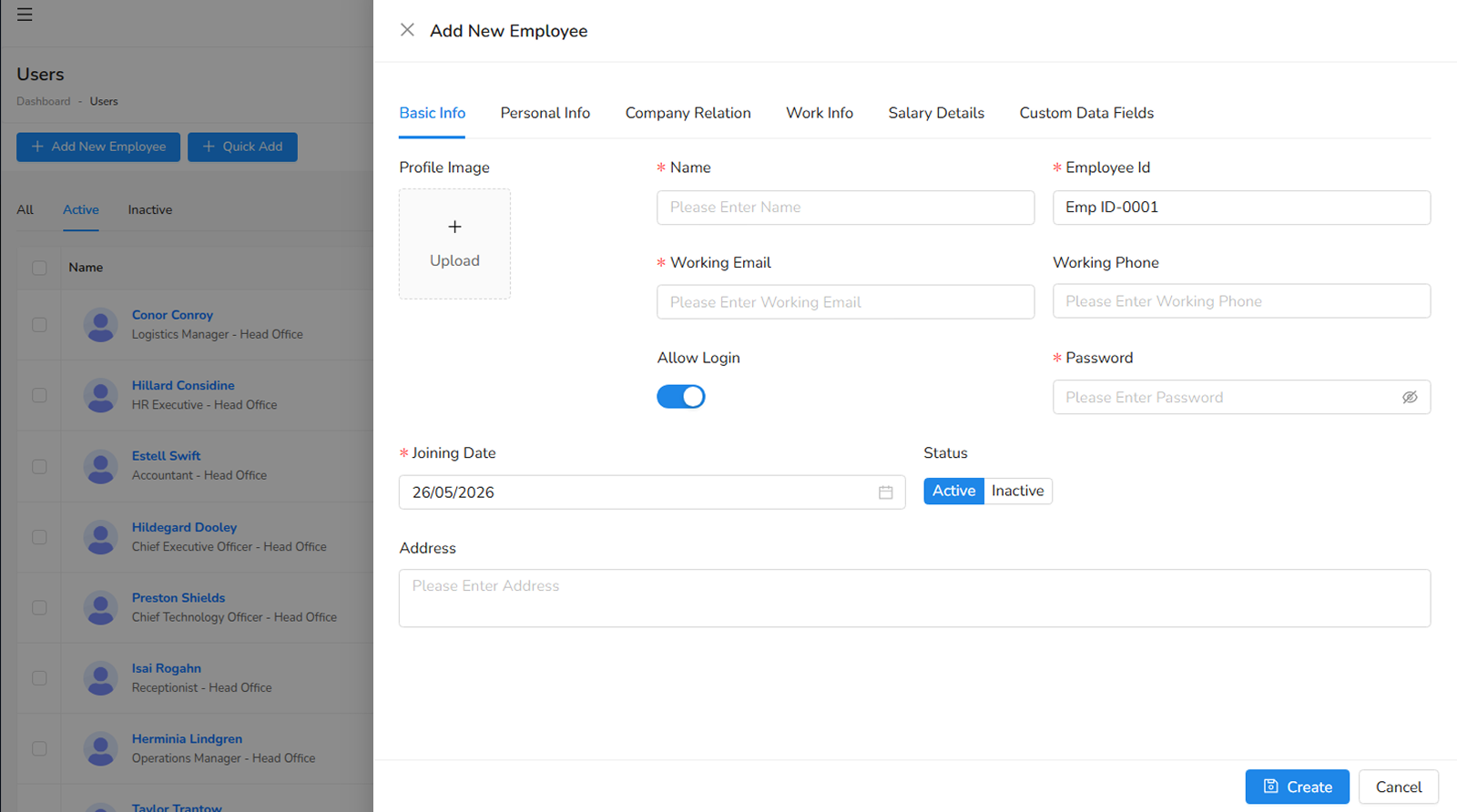
- Image of employee.
- Name of employee (required).
- Employee ID of employee will auto filled (required).
- Working Email of employee (required).
- Working phone of employee.
- Allow Login for allow to login make it true.
- Password - for login purpose we can set/reset password if allow login is true (required if allow login is true).
- Joining Date the date of joining you team (required).
- Status is active for those who are working right now and inactive for those who are not working.
- Address of employee.
2. Personal Info - Some fields are given below in which some are required:
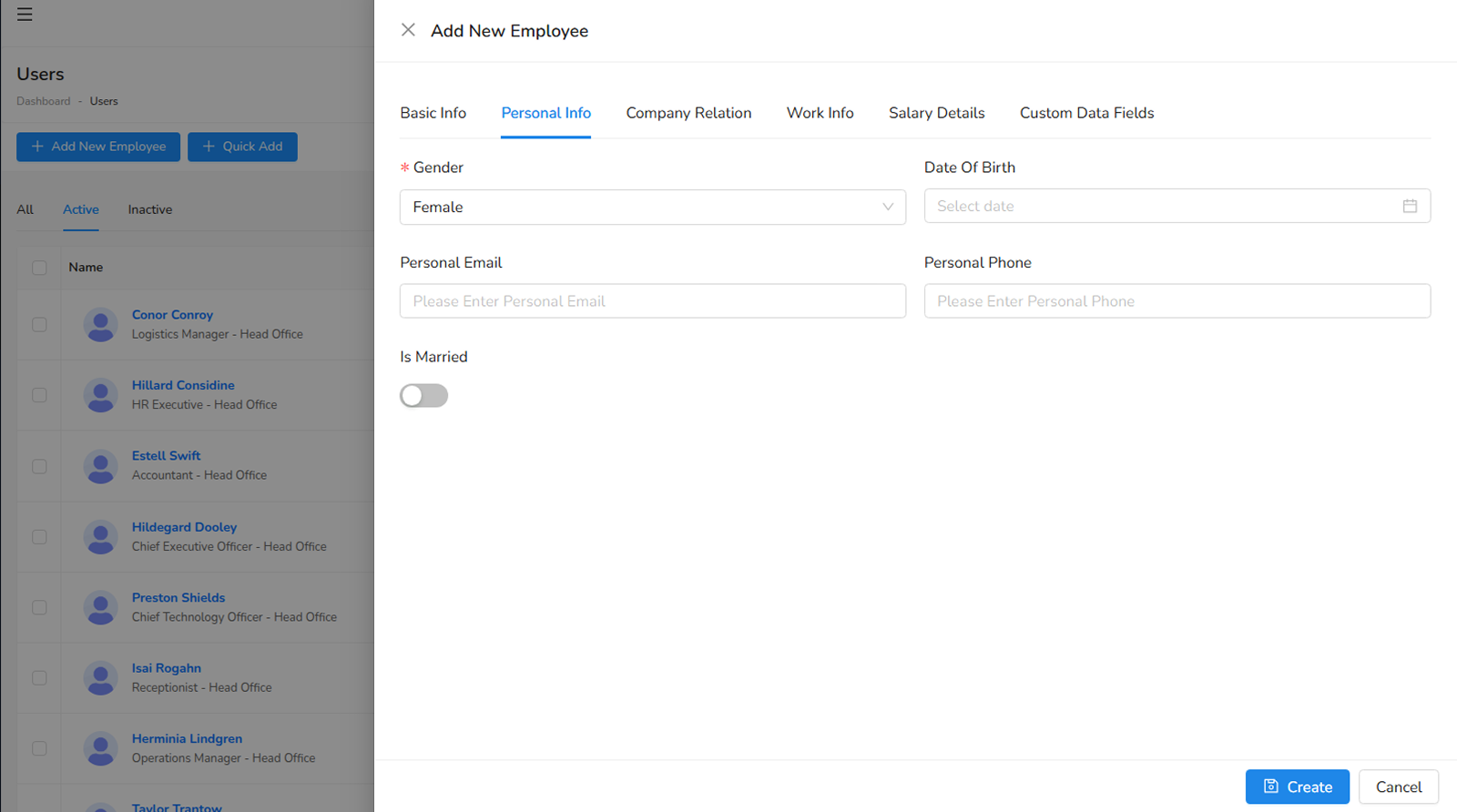
- Gender of employee (required).
- Date of birth of employee.
- Personal Email of employee.
- Personal Phone of employee.
- Is Married make it enable if employee is married.
- Date of Marriage - Date of marriage of employee if he/she married (required)
3. Company Relation - Some fields are given below in which some are required:
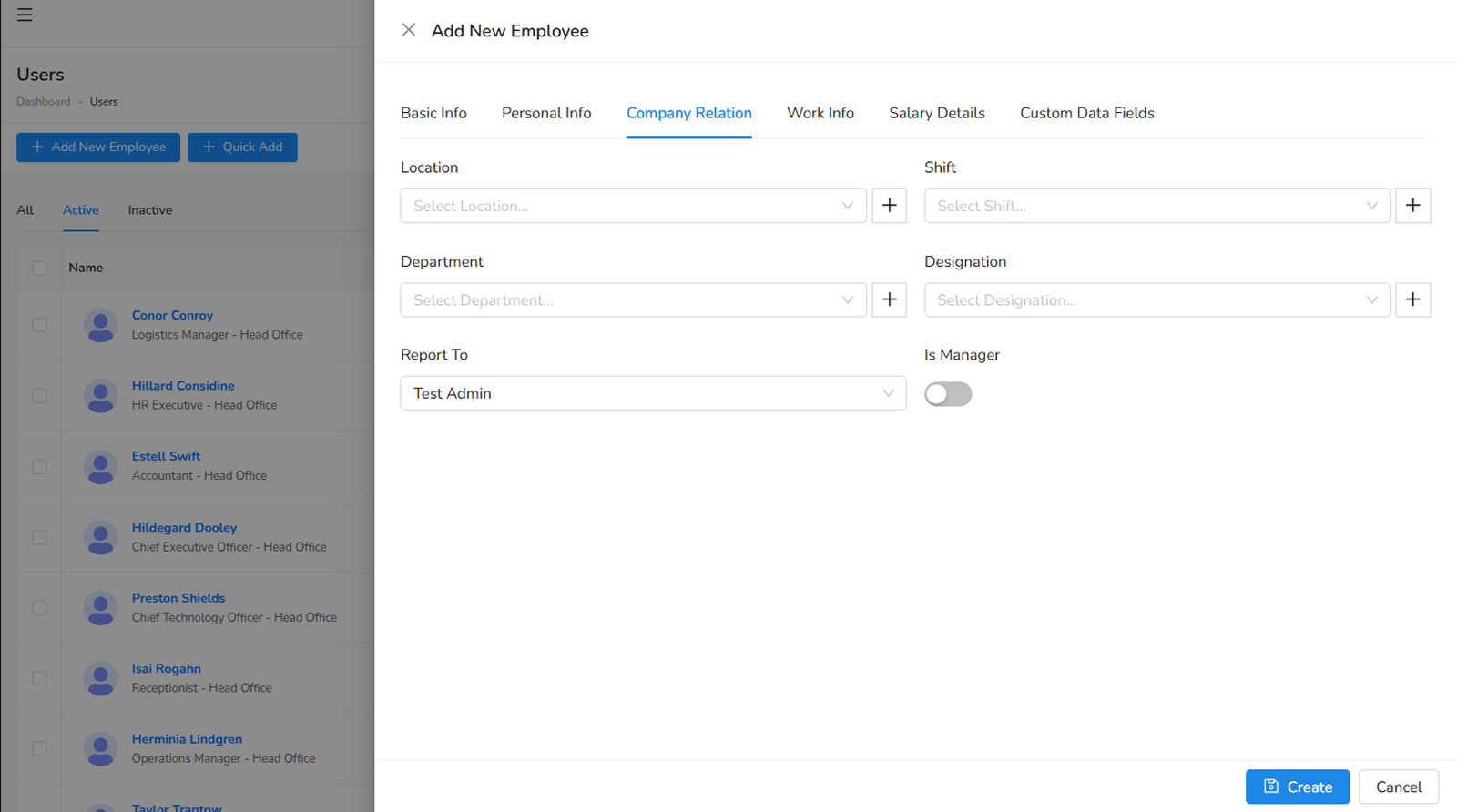
- Location at where the employee will work.
- Shift in which employee will work.
- Department in which employee will work.
- Designation of employee.
- Report to field will be a higher authority (employee/admin) under which the employee will work and report him.
- Is Manager for assigning a role to employee if it is enable.
- Role of employee (required if Is Manager is enable).
- Visibility is a way in which he can controll and view the list of modules according assigned permissions.
4. Work Info - Some fields are given below which are not required to create employee:
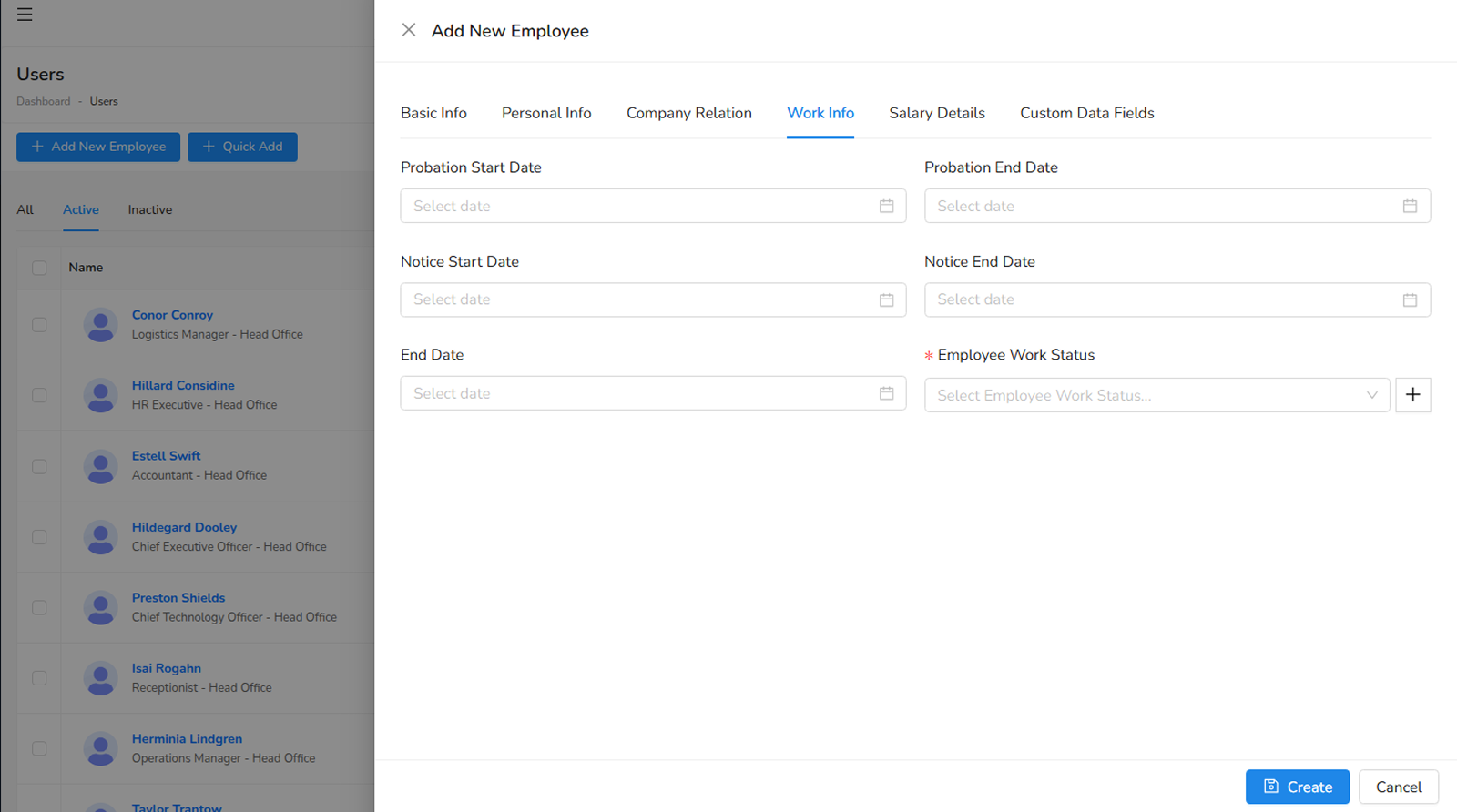
- Probation start date of employee.
- Probation end date of employee.
- Notice start date of employee.
- Notice end date of employee.
- End date of employee.
- Working status of employee like fulltime, overtime etc.
5. Salary Details - Some fields are given below which are not required to create employee:
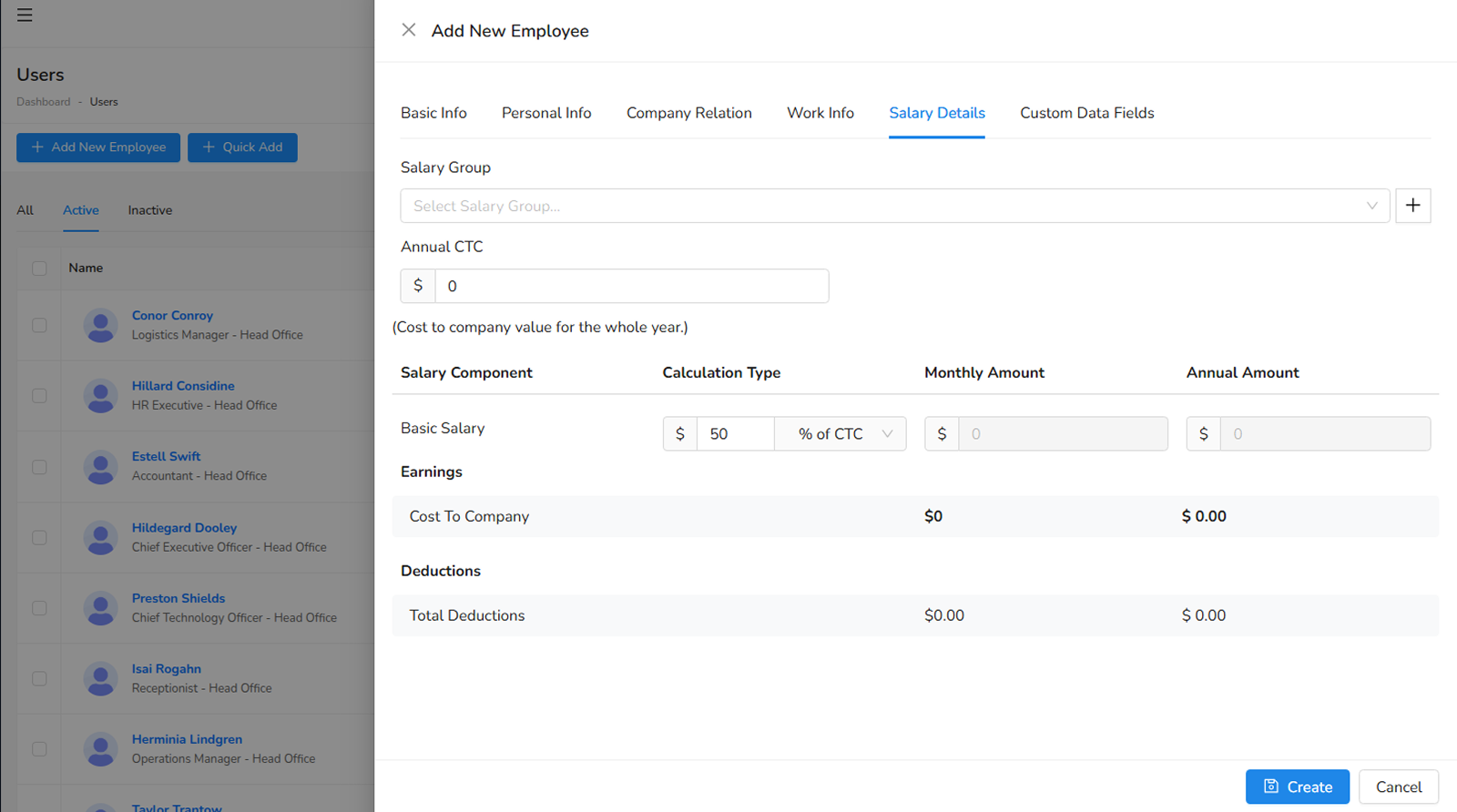
- Salary Group of employee.
- Annual CTC of employee (required for calculation of salary of employee).
Departments
You can create departments by navigating to Employees > Departments in the sidebar.
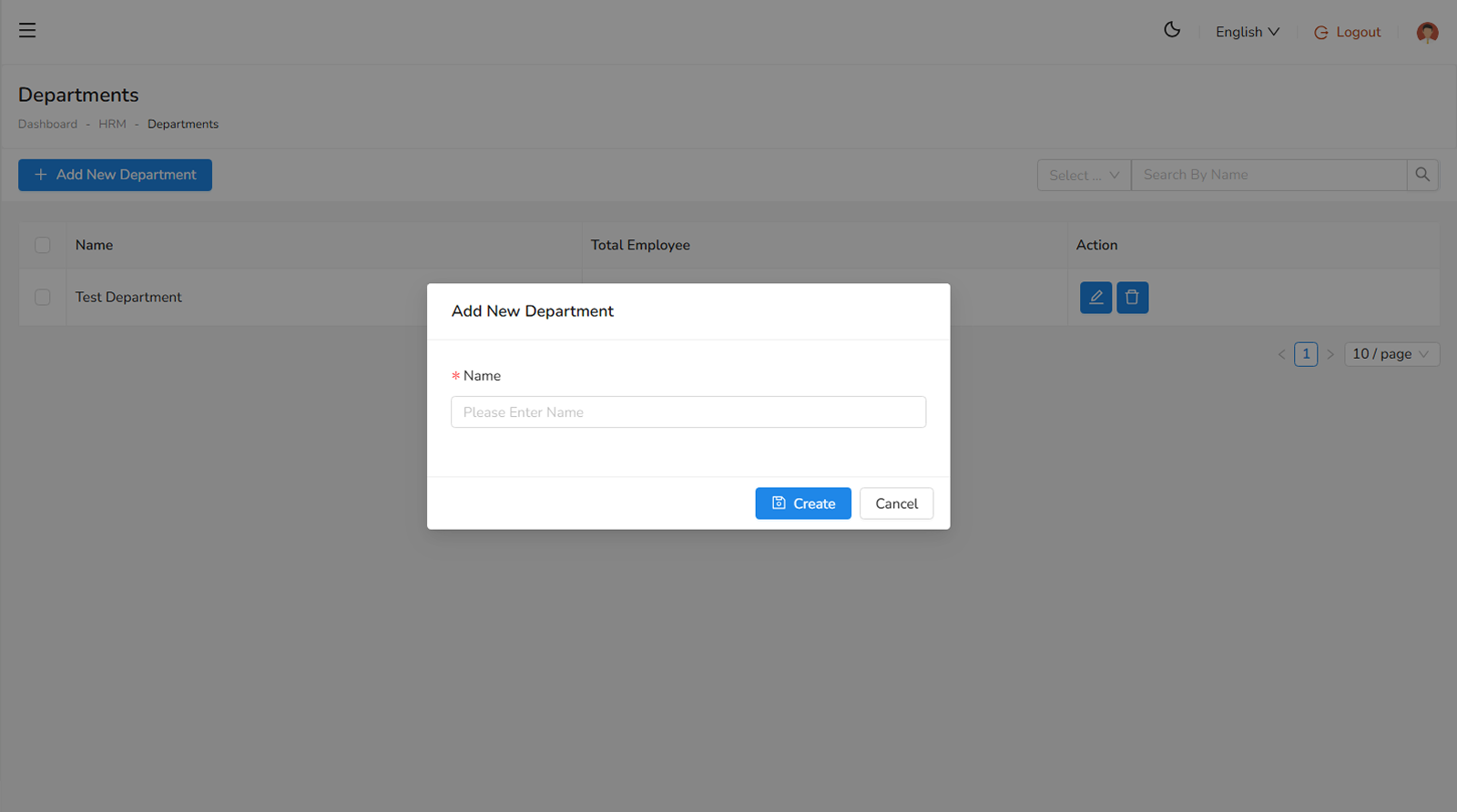
The following field is required to create department:
- The name of the department (required).
Designations
You can create designations by navigating to Employees > Designations in the sidebar.
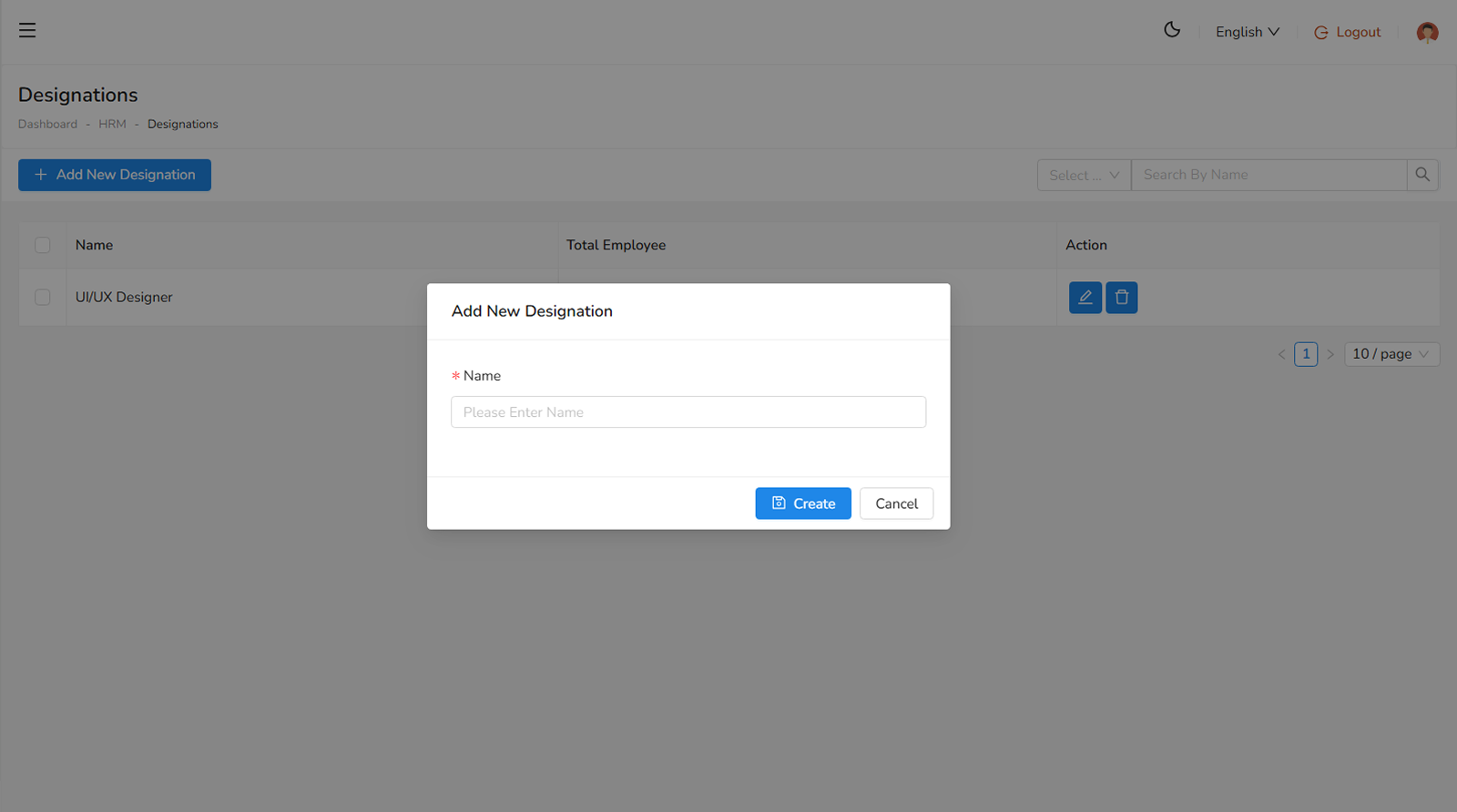
The following field is required to create designation:
- The name of the designation (required).
Shifts
Dividing working hours into shifts is a great practice to enhance company growth and improve employee efficiency. You can create shifts by navigating to Employees > Shifts in the sidebar.
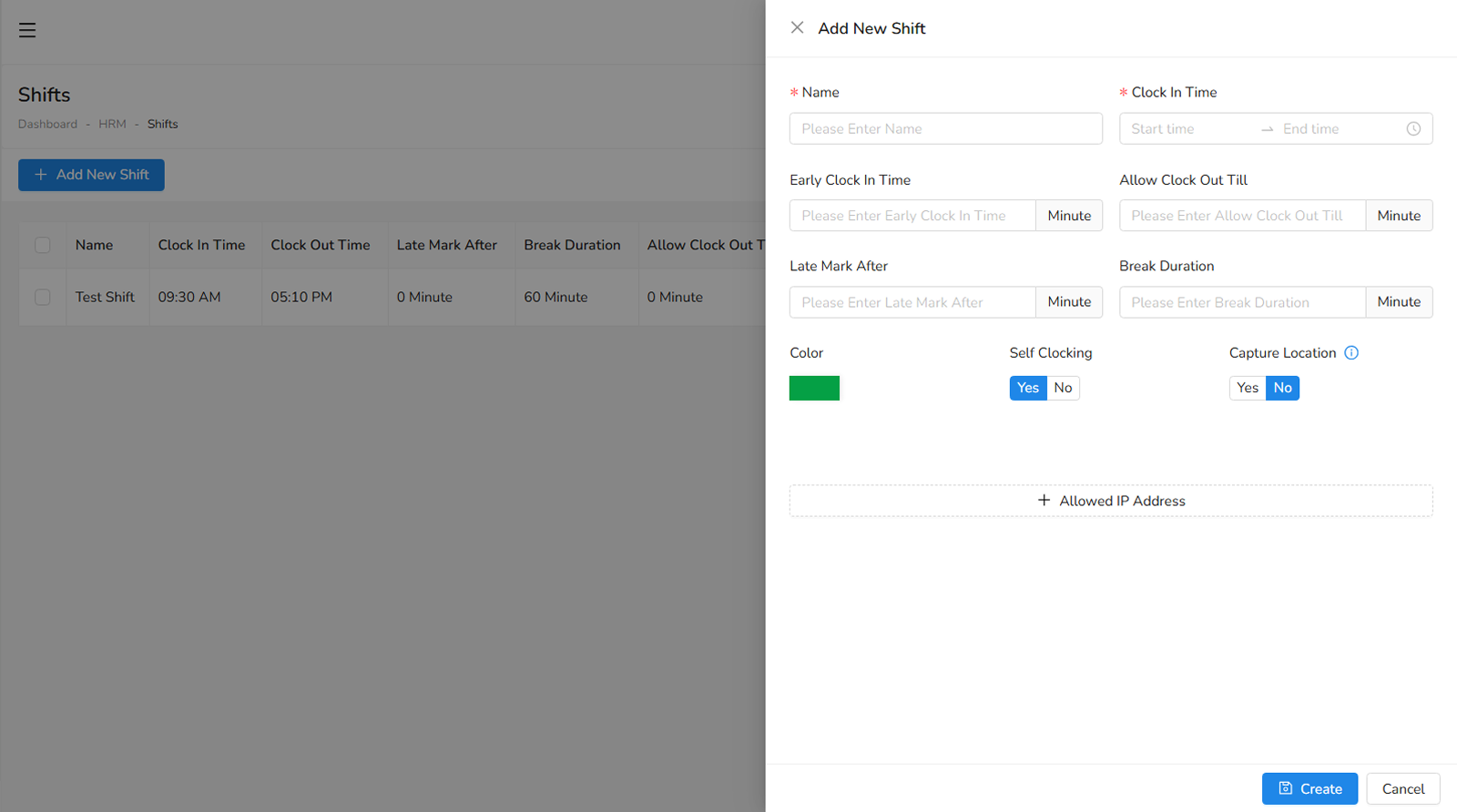
The following fields are available, some of which are required:
- The name of the shift (required).
- Clock In Time, the designated time when employees are expected to clock in (required).
- Early Clock In Time of shift, the earliest time employees are allowed to clock in. Clocking in before this time is not permitted.
- Clock Out Time Till, the latest time employees are allowed to clock out. Clocking out beyond this time is restricted.
- Late Mark After, the threshold after which an employee is considered late.
- Self Clocking an option to enable or disable self-clocking for employees.
- Allowed IP Address are the list of authorized IP addresses from which employees can clock in and out.
On this page
Was this helpful?
Your feedback helps improve the documentation.