
Currencies
Currencies play an important role in every business. You can exchange and calculate or show total transcations and profit/loss in your own currency. You can create and manage a new currency navigate Settings menu from sidebar then Currencies menu from settings sidebar.
Settings > Currencies
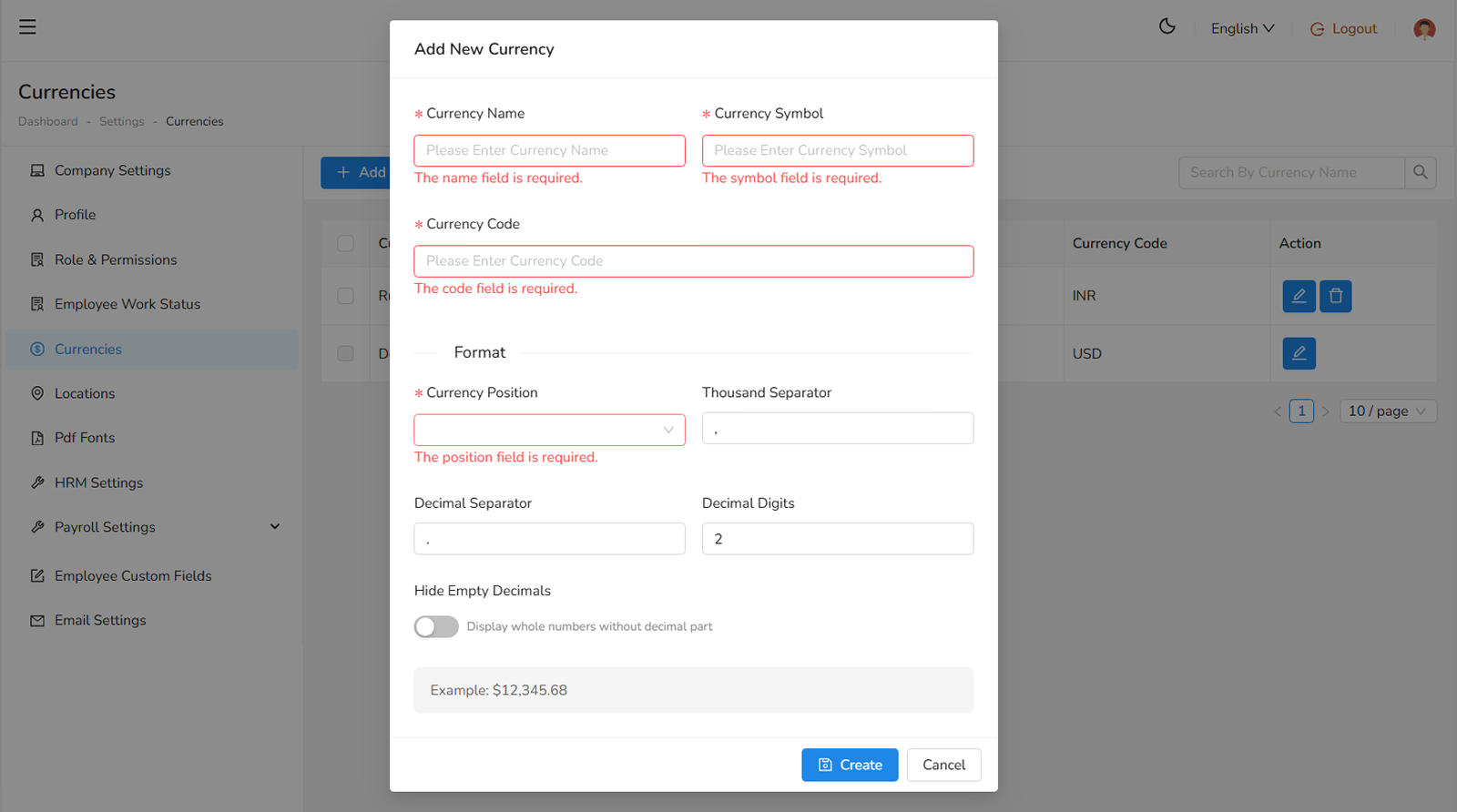
To create a new currency, fill up the following fields:
- Currency Name, enter full name of the currency (required).
- Currency Symbol, enter the symbol of the currency (required), to display purpose.
- Currency Positions, check either Front or Behind to use the currency symbol (required).
- Currency Code, enter the currency code (required).
Was this helpful?
Your feedback helps improve the documentation.